Orbit
Chrome extension · LiveFast, in-browser accessibility checks for developers.
How I built it
We quickly built a working prototype called Access Lens. It proved the idea had potential, but the code became difficult to maintain as the product grew. Another colleague joined the project, and the three of us rebuilt it from the ground up as Orbit with a clearer structure and a codebase we could confidently maintain.
Designing the workflow
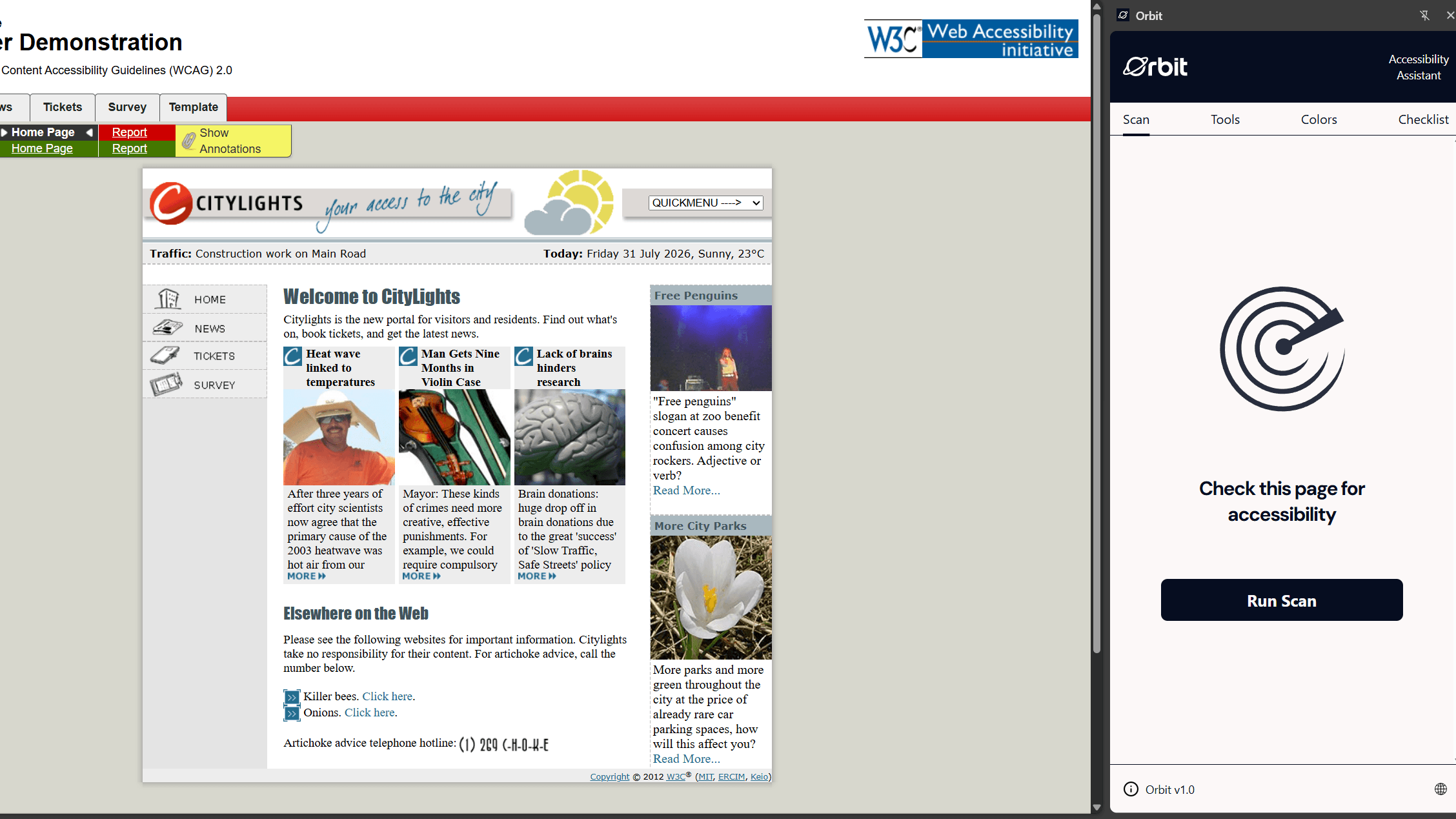
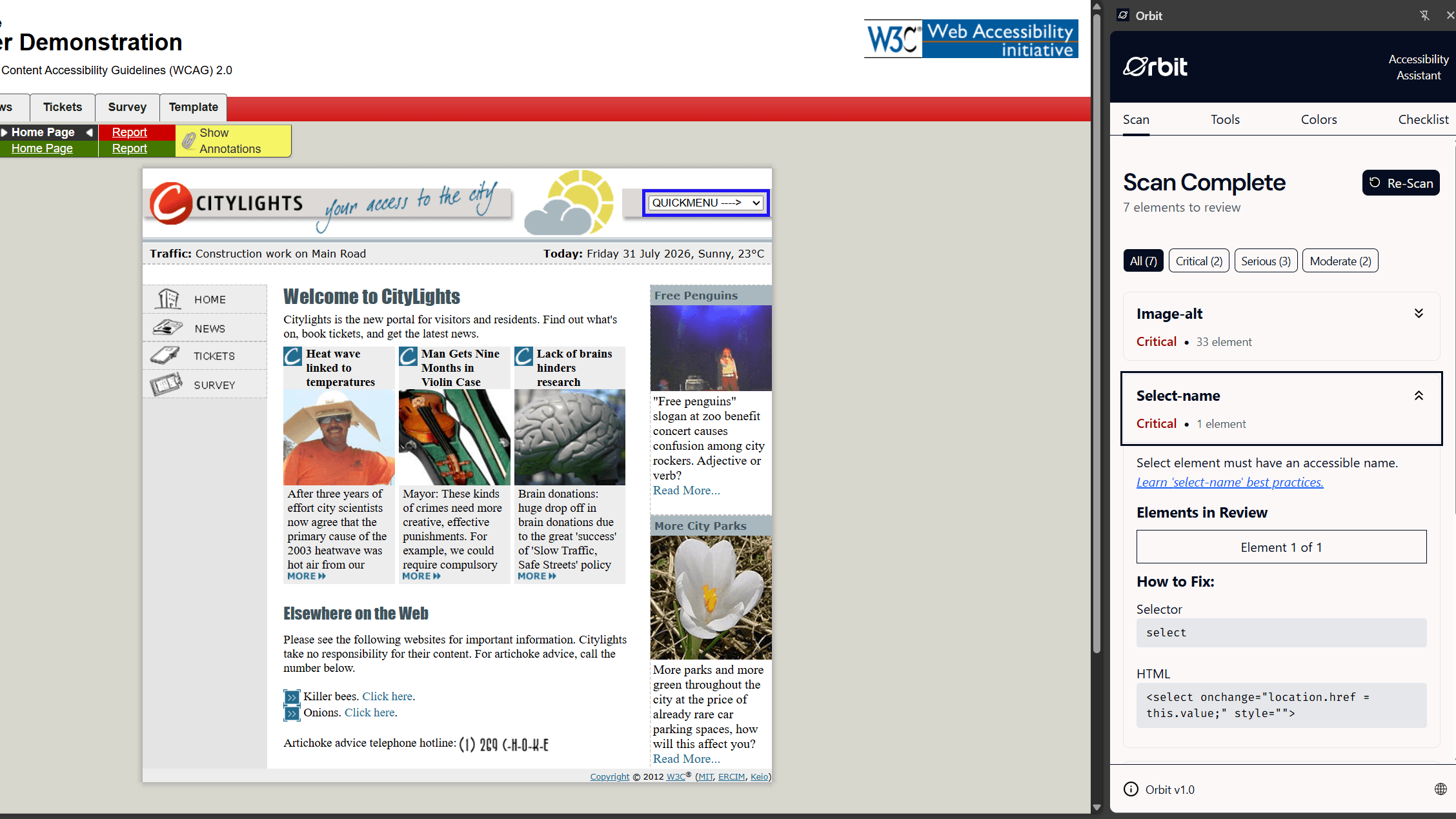
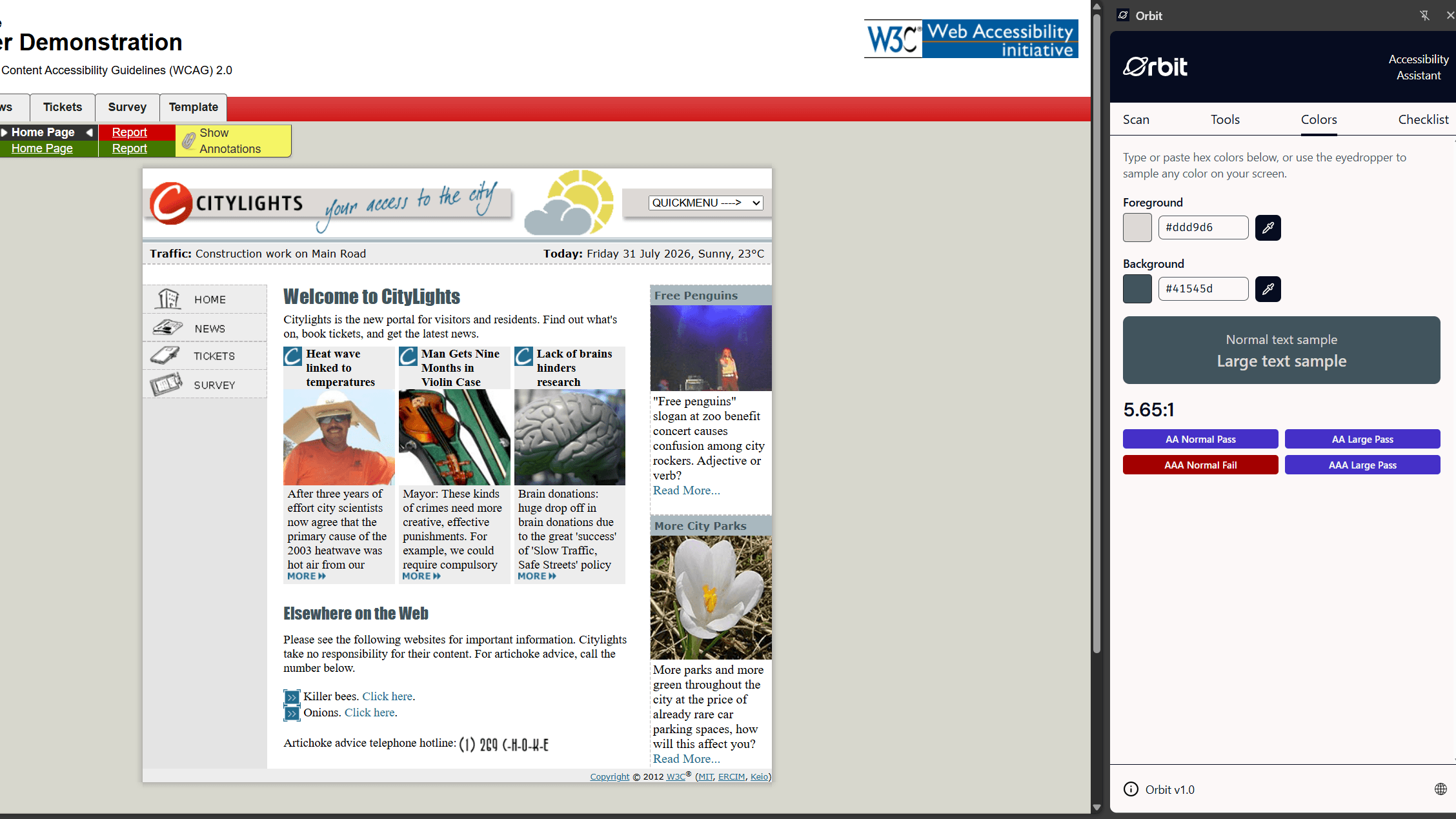
I helped design the interface in Figma and built the initial scan state, no-issues state, and scan-results interface. The goal was to make the process obvious: run a scan, read the issues in plain English, and click one to see the affected element highlighted on the website.
Building the extension
Orbit runs axe-core against the active page and sends the findings back to the side panel. I checked the current Chrome documentation and found that the side panel could communicate directly with the content script instead of routing every scan interaction through the background service worker.
Connecting Orbit to the page
I built the interaction between the issue cards and the active website. Clicking an issue highlights the affected element on the page. I also added cleanup so those highlights disappear when Orbit closes or the user starts another scan.
What I learned
A working prototype can prove an idea without becoming the foundation for the final product. Starting again gave us the chance to understand the architecture, divide responsibilities clearly, and build a codebase we could maintain.
Chrome extensions have several separate environments. The side panel, content script, and background service worker each have different jobs. Understanding which parts actually needed to communicate made the architecture much simpler.
Current documentation matters. The first architecture used an older method that routed every scan interaction through the background service worker. After checking the current Chrome documentation, I simplified the flow so the side panel could communicate directly with the content script.
An extension needs to be tested inside the real browser surface. The interface looked different in the development server than it did inside Chrome's side panel, so I had to design and test it where people would actually use it.
If an extension changes the active webpage, it also needs to undo those changes. The highlight feature was not finished until closing Orbit reliably removed everything it added.
Automated accessibility tools have limits. Orbit can find common rule violations and point developers toward fixes, but it is not a complete audit and cannot guarantee compliance. Manual testing and human judgment still matter.
This was my first time rebuilding a working idea as part of a team. Starting over was frustrating, but the released version is something we can explain, maintain, and genuinely use.